
Two mushaf, page for page
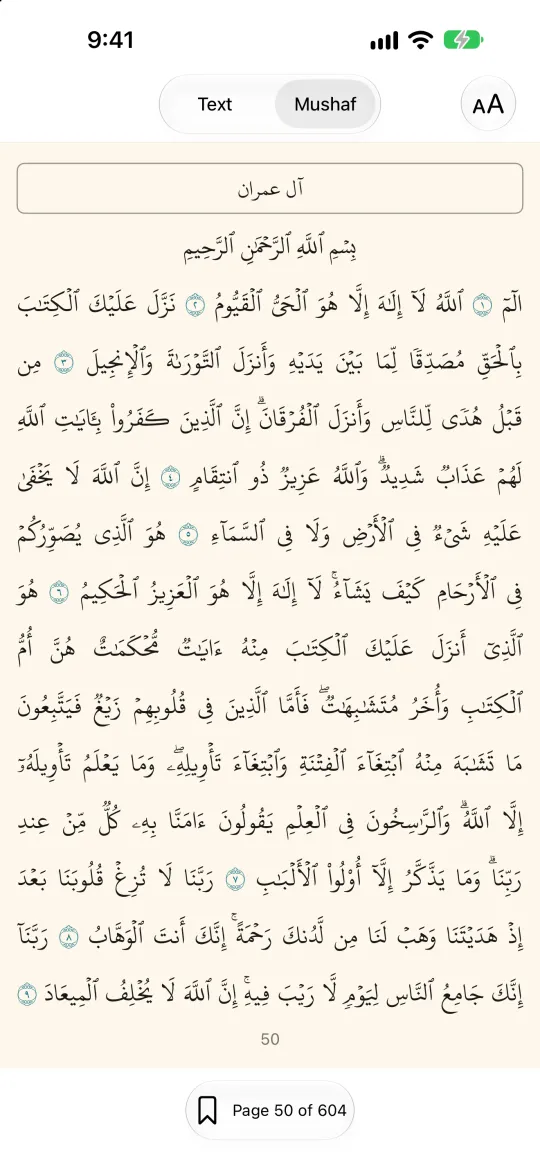
Many of us learned to read from the Pakistani 15-line mushaf, with its Nastaleeq-style script and its familiar page breaks. Sajideen shows the Qur'an in that layout, 15 lines to a page and 610 pages, so the page you open in the app looks like the page in the mushaf on your shelf. If you read the Madani mushaf instead, switch to it: 604 pages in the Uthmani Hafs script, as printed in Madinah.
Swipe from right to left to turn the page, as you would in a printed mushaf. Sajideen remembers where you stopped, and Continue reading takes you back there.
Pinch to zoom into a page, or double-tap to zoom in and double-tap again to come back, which helps when the print is small or you are reading without your glasses. The Qur'an has its own tab, Quran, on the bottom bar of the app, with a search box and Surah, Juz and Bookmarks views.
Read with a translation
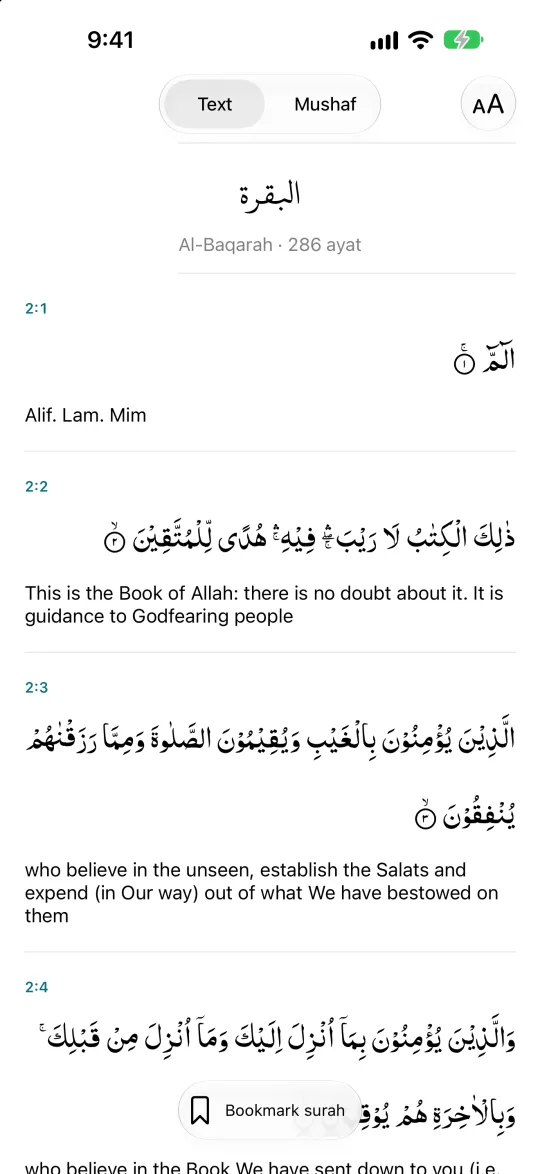
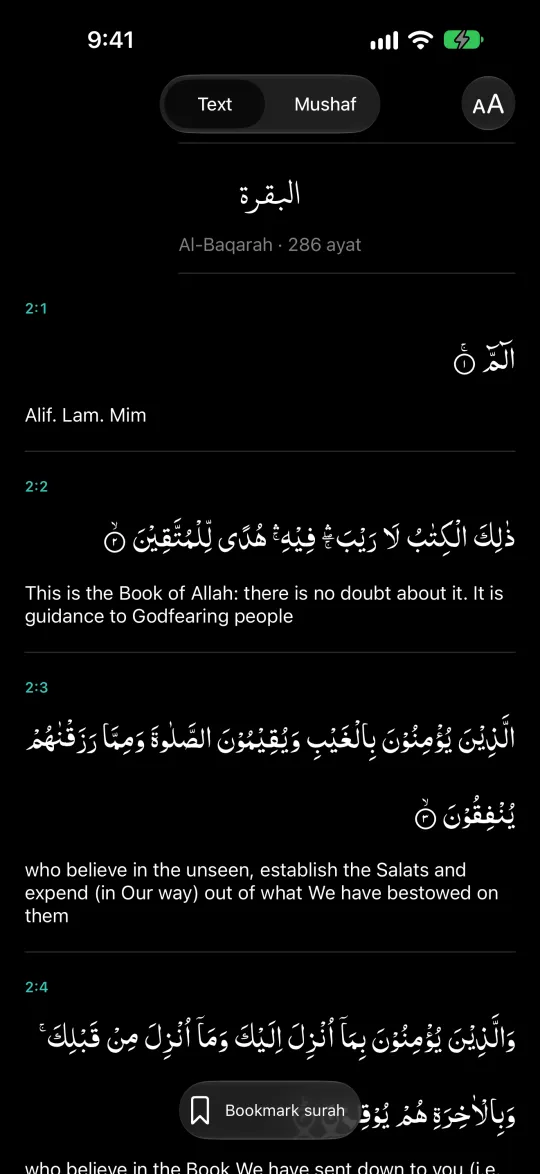
Text mode sets out the Qur'an one ayah at a time, with a translation under each ayah. For Urdu, choose the translation by Abul A'la Maududi or by Fateh Muhammad Jalandhari; for English, the translation by Maududi. You can search the translation to find an ayah, or type a reference such as 2:255 to jump straight to it.
Bookmarks, night mode and text size
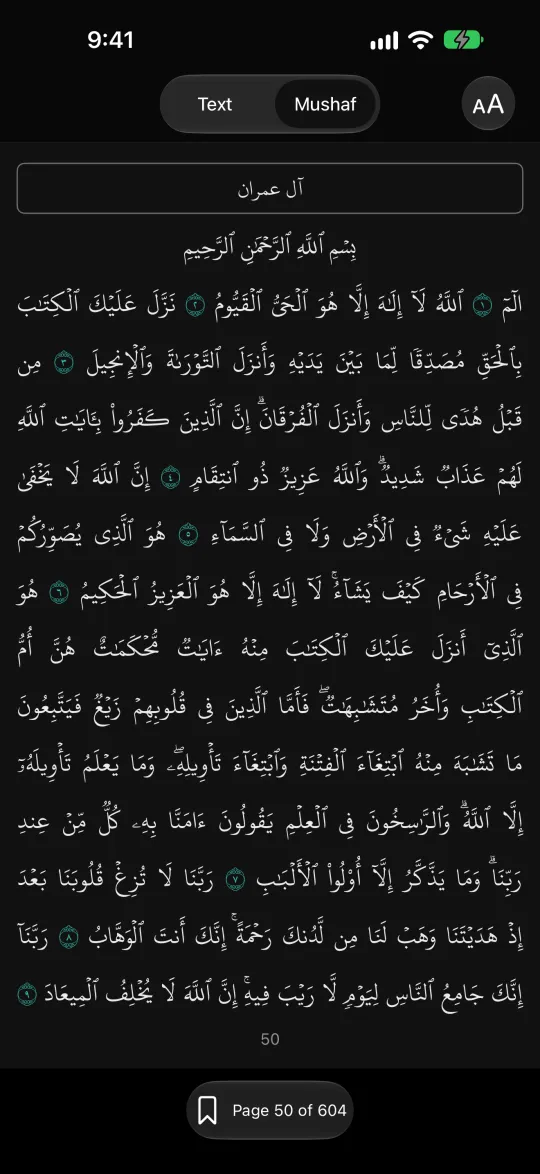
Bookmark a whole surah, a page of either mushaf, or a single ayah. They all sit on one Bookmarks screen, next to the du'as you have saved from Du'as and adhkar. Night mode turns the page dark for reading at Fajr or late at night, and the text size can be made larger in text mode.
Offline, on your phone and your watch
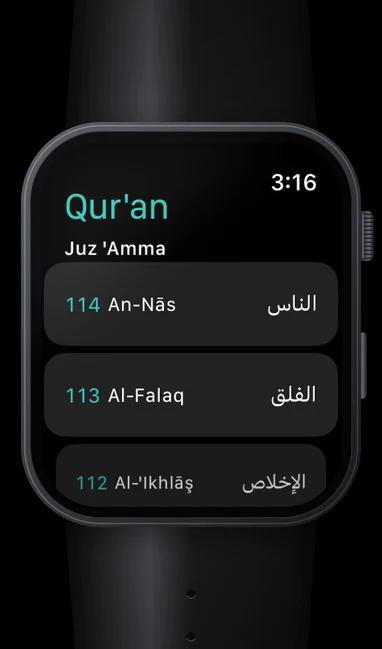
The text, both page layouts and the translations are inside the app. Once it is installed, the Qur'an opens on a plane, in the Haram or anywhere without a signal. On Apple Watch and Wear OS you can read the short surahs of Juz 'Amma in text mode, straight from your wrist.
Where the text comes from
The Arabic text and the translations are copied by script from published, open editions (Tanzil and the King Fahd Glorious Qur'an Printing Complex texts), never typed by hand. The page layouts follow the Quran Foundation's 15-line Indo-Pak and Madani layouts. Every source and its credit is listed in the app under About.
Part of a prayer app first
The Qur'an sits alongside everything else in Sajideen: prayer reminders that keep asking until you have prayed, the sunnah surahs at their time, the morning and evening adhkar and the 99 Names of Allah. All of it is free, with no ads and no account.